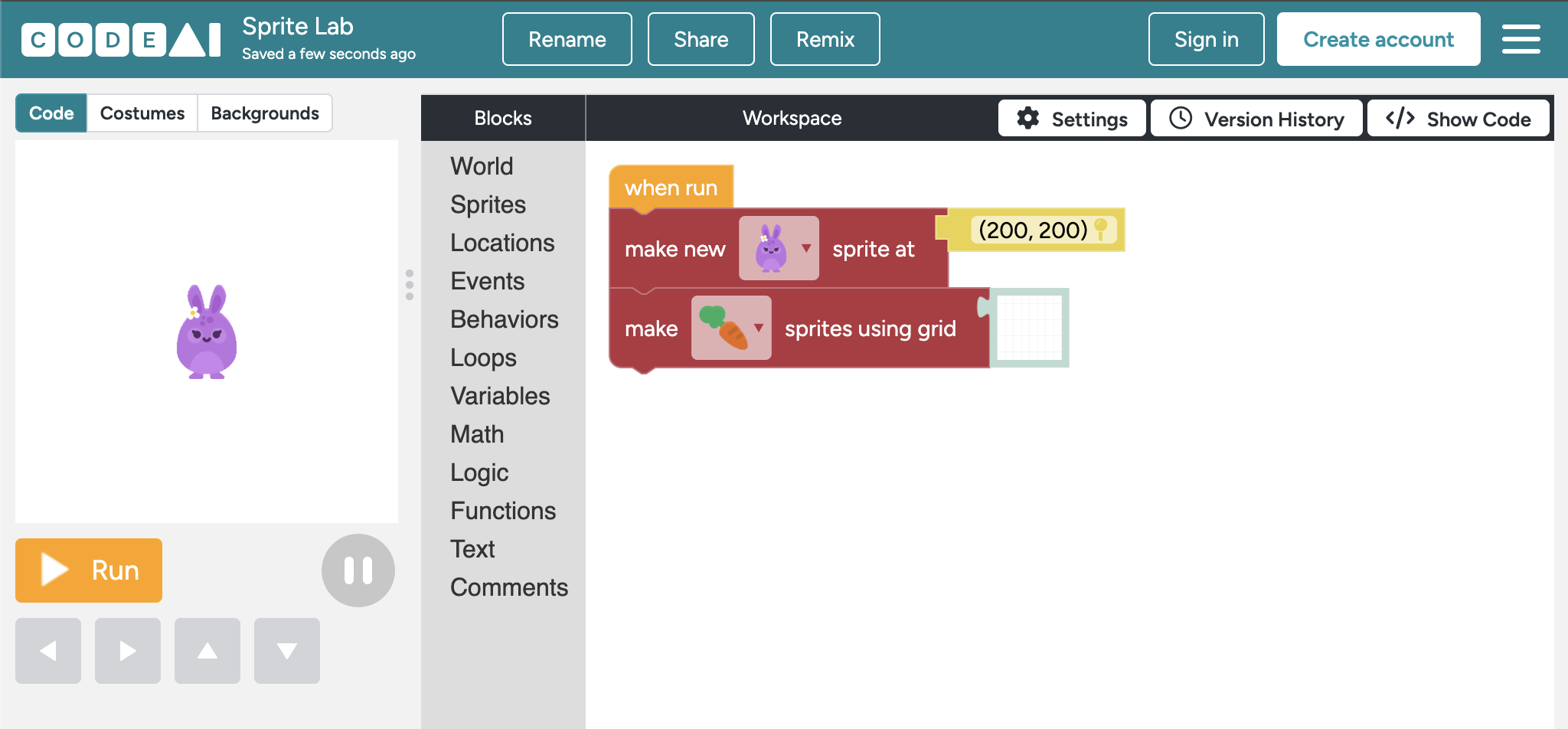
Sprite Lab
Block-basedDesigned as the primary creative tool for CS Fundamentals courses. Learners add sprite characters, set behaviors, and define interactions. More accessible than Game Lab — no draw loop management.

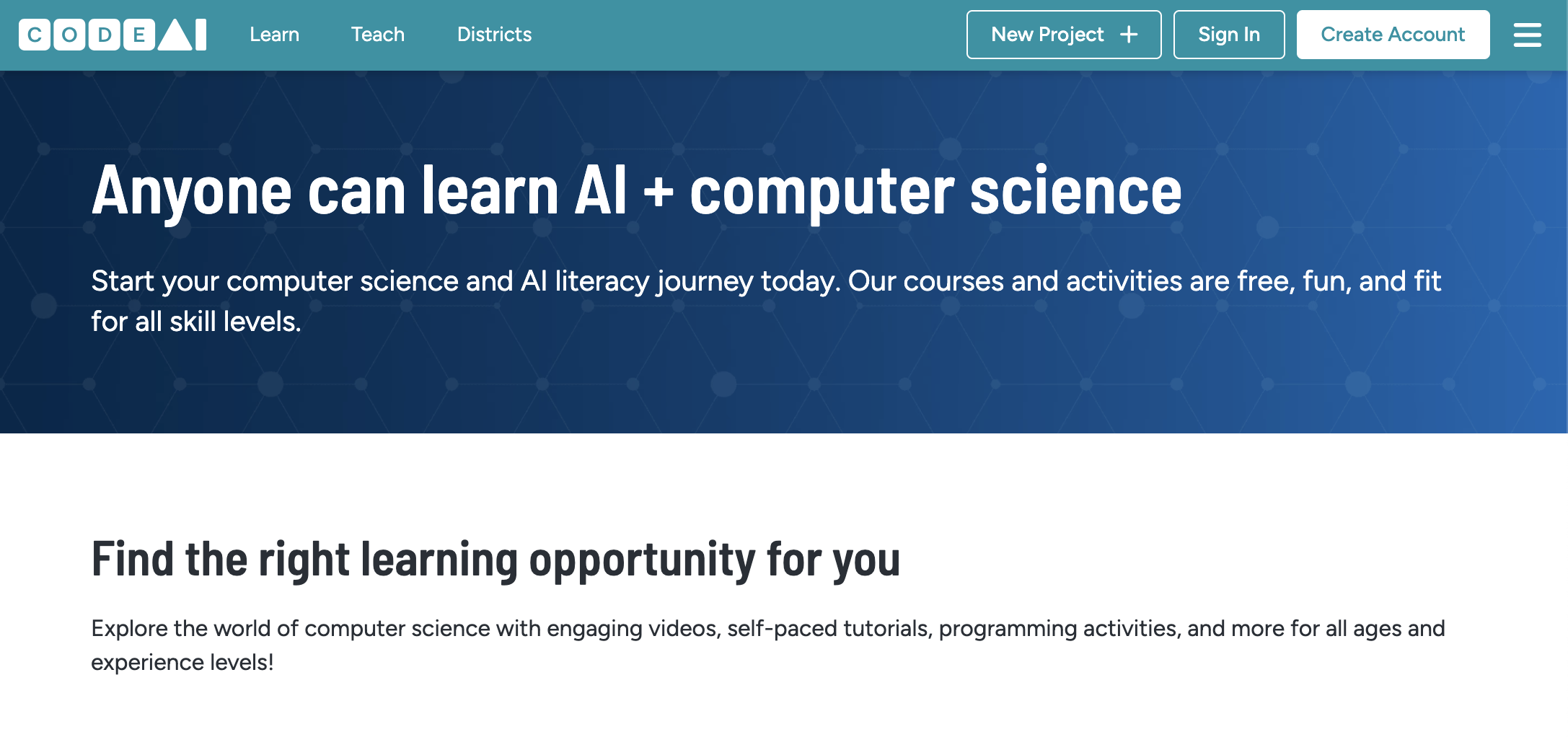
Code.org is a free, browser-based platform developed by a nonprofit dedicated to expanding access to K–12 computer science education. It provides a suite of interactive coding labs, each designed to meet learners at their skill level — from block-based coding for kindergarteners through text-based programming in JavaScript, Python, HTML/CSS, and Java for high schoolers.
Sprite Lab
Block-basedDesigned as the primary creative tool for CS Fundamentals courses. Learners add sprite characters, set behaviors, and define interactions. More accessible than Game Lab — no draw loop management.
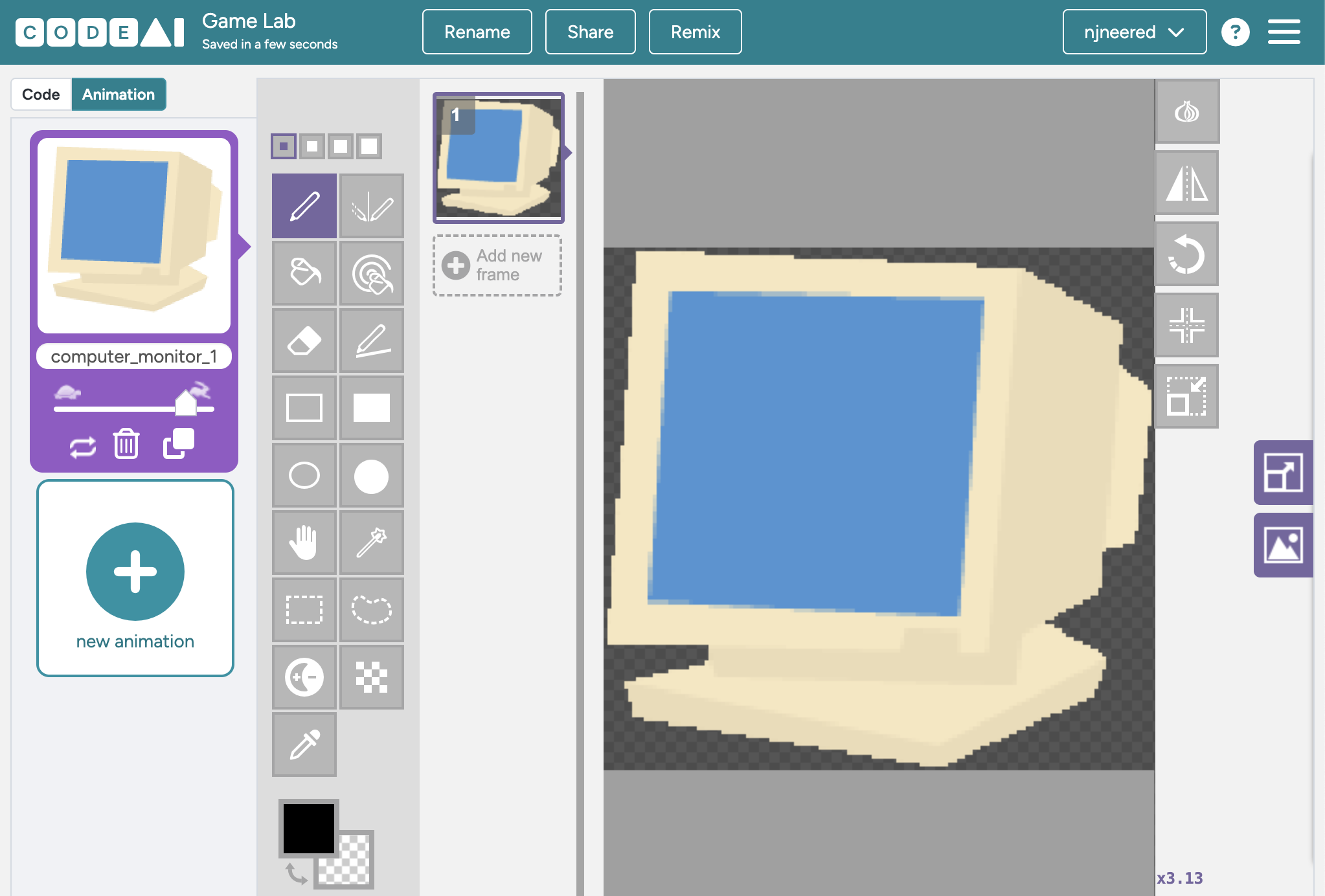
Game Lab
Block-based or JavaScriptBlock-to-text transition lab with a built-in Piskel sprite editor. Learners can switch between block and text modes at any time.
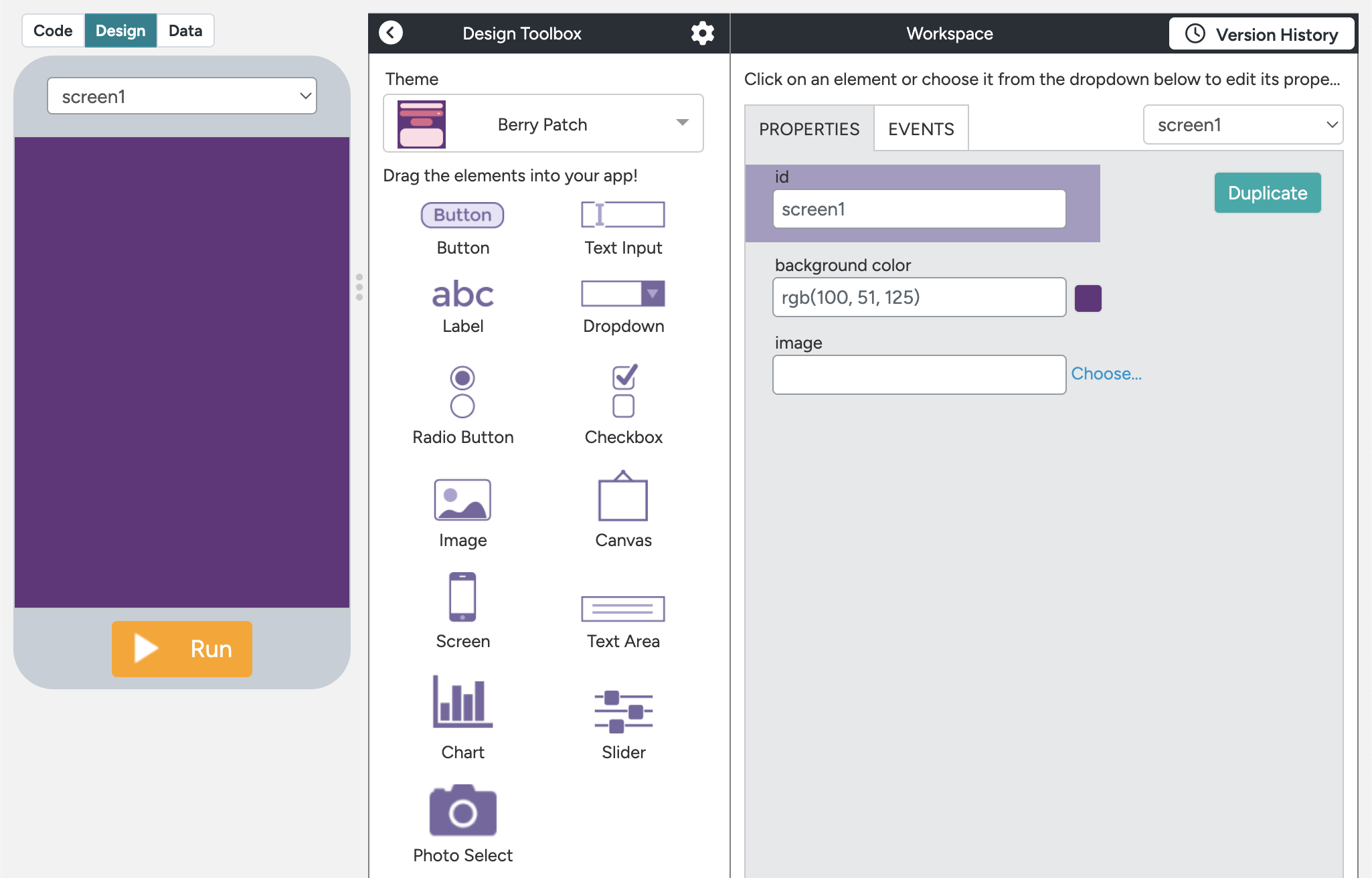
App Lab
Block-based or JavaScriptClosest to real software development on the platform. Includes Design Mode (drag-and-drop UI builder) and Code Mode. Used in the AP CS Principles curriculum.
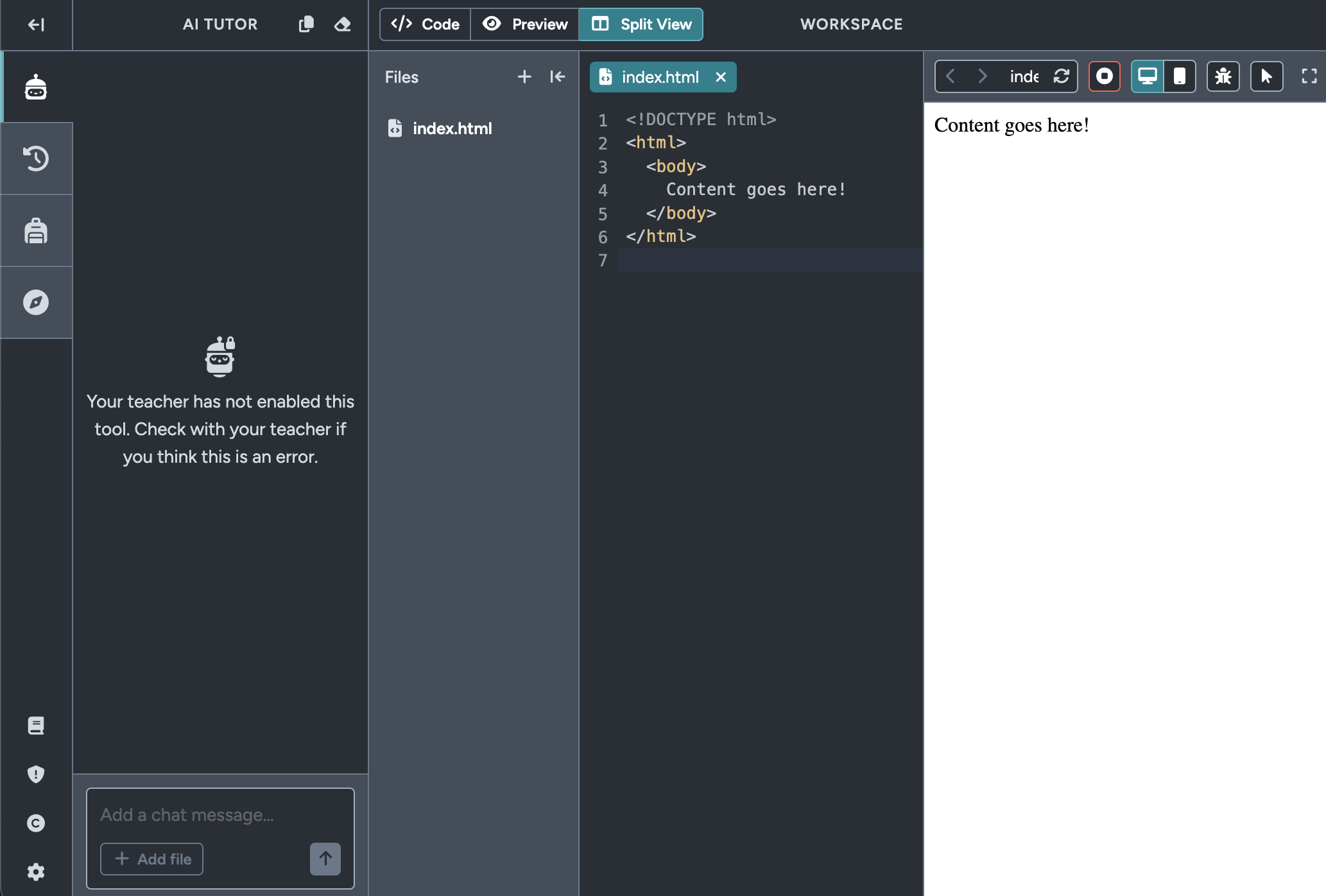
Web Lab
HTML / CSS onlyThe only lab with no block-based option. Learners write actual HTML/CSS from the start. Split-pane editor with live preview and multi-page file tree.
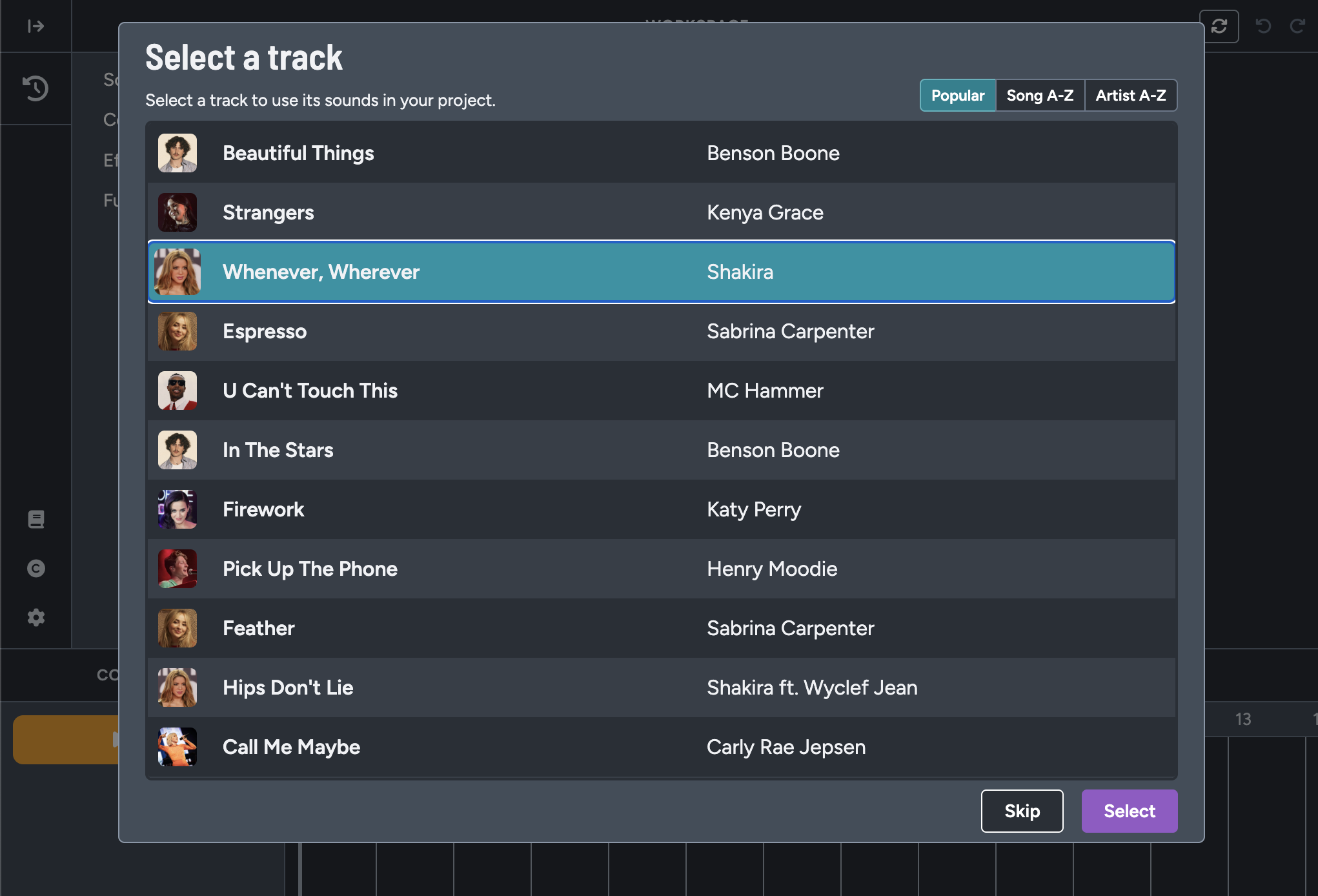
Music Lab
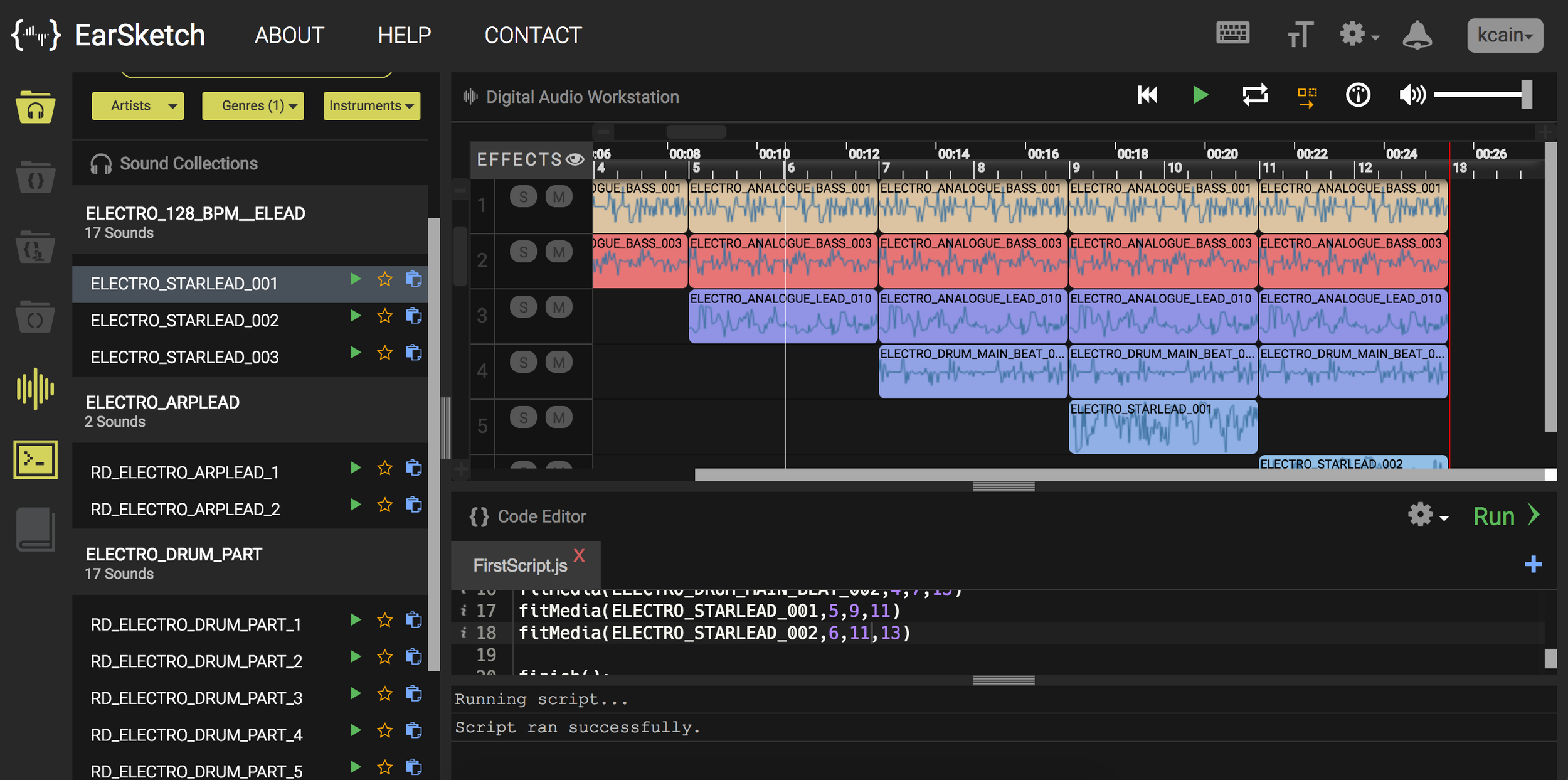
Block-based + AI beat generatorOnly lab with audio-primary feedback. Learners hear their code in real time as music. Includes an AI beat generator. Similar in concept to EarSketch.
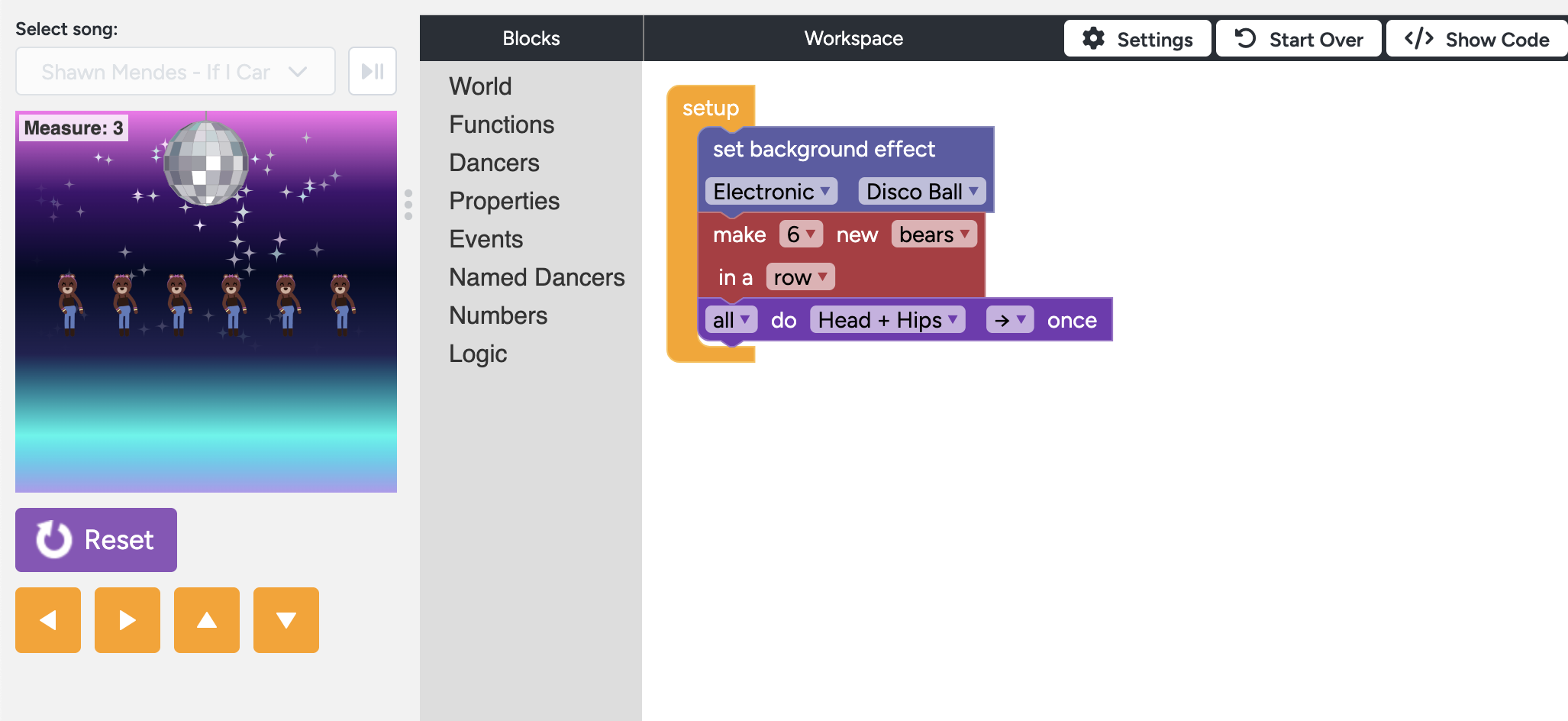
Dance Party
Block-basedMost accessible lab — designed for zero-experience learners of any age. Learners choreograph characters dancing to music. Most commonly used for Hour of AI events.
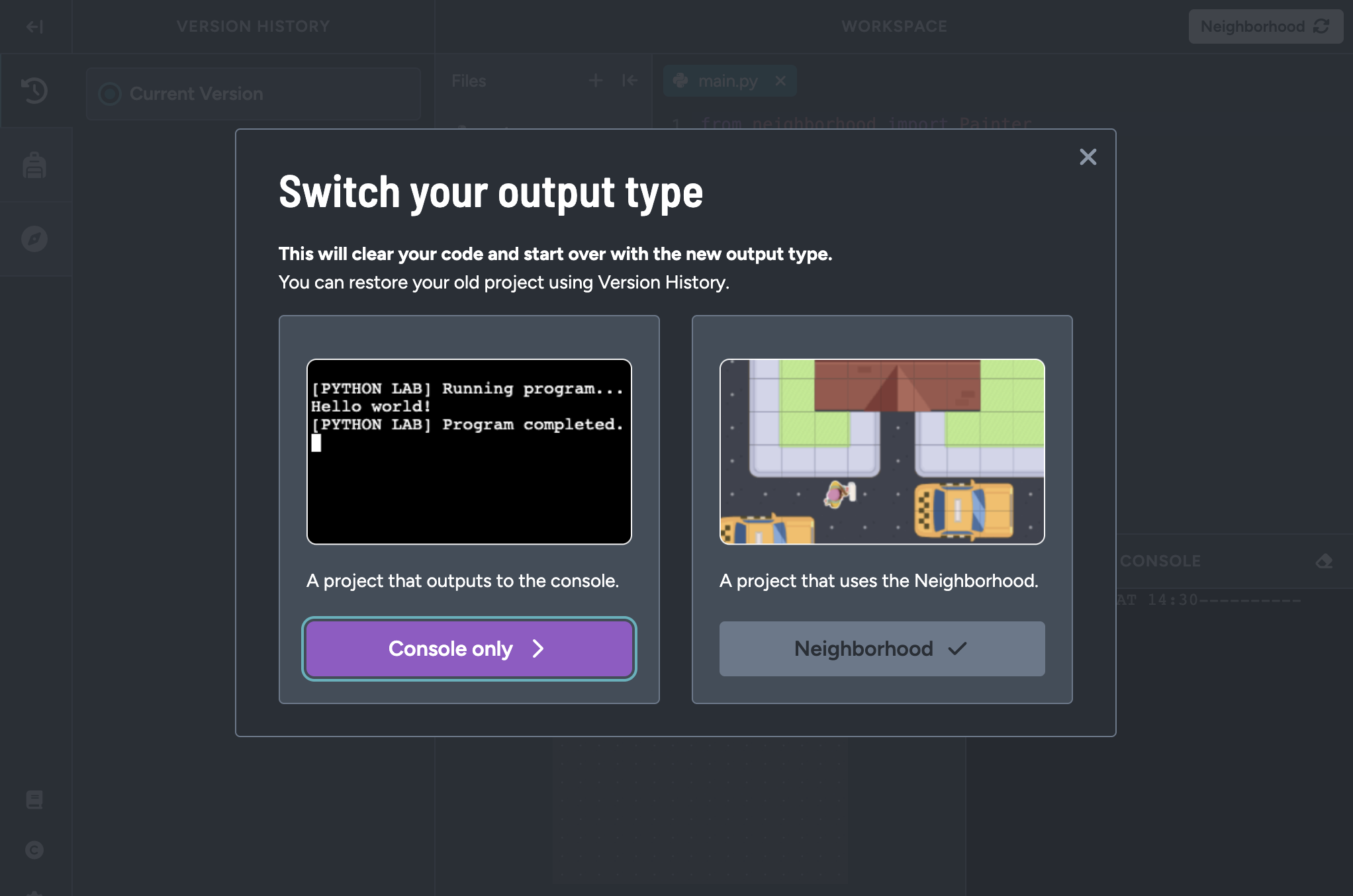
Python Lab
Python (text-based)Runs real Python in the browser without installation. Described by Code.org as a 'learner-friendly IDE that runs real Python code.' Newest major lab on the platform.
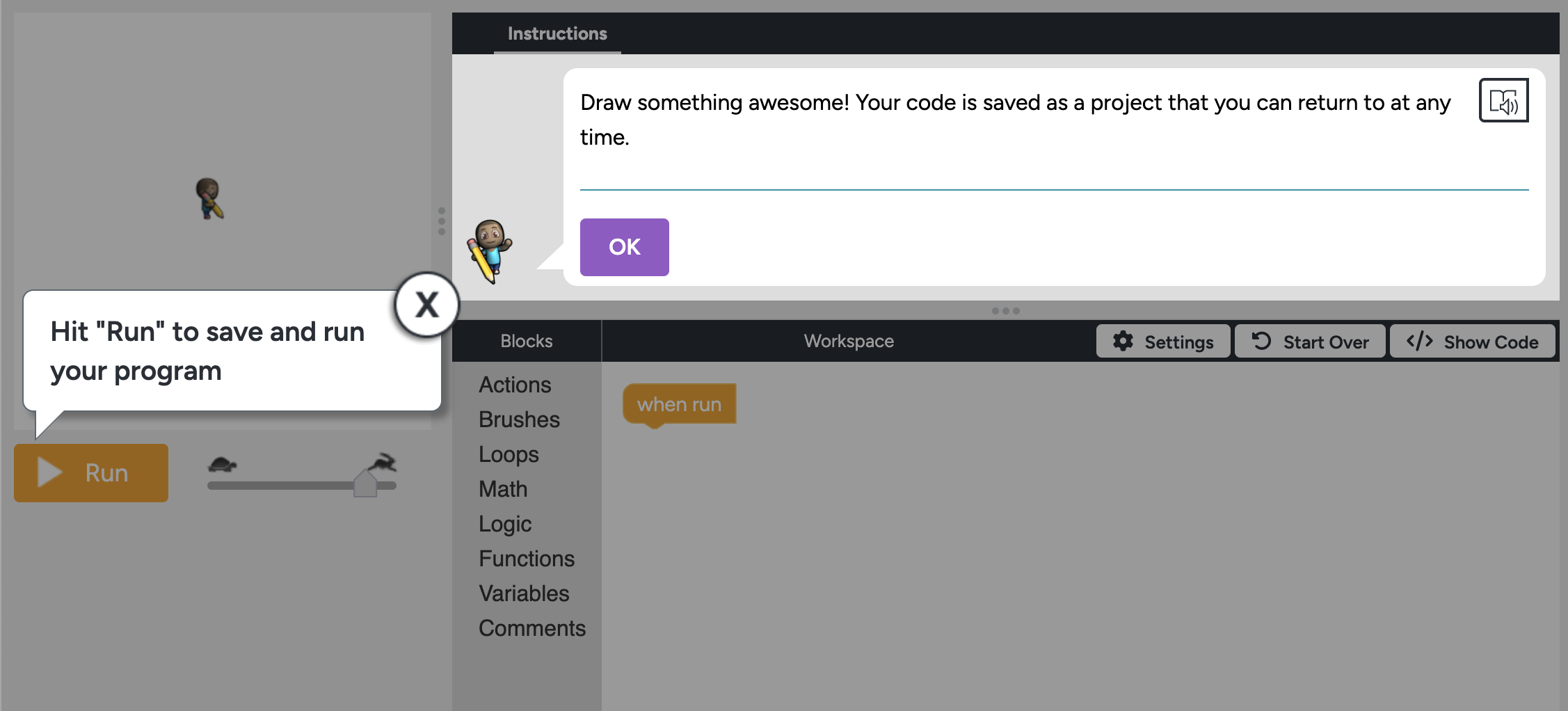
Artist Lab
Block-basedThe original Code.org lab. Learners create drawings and animations with a turtle graphics-style interface. No longer actively supported.
Each lab is designed to let learners produce a real, shareable output quickly — a game, an app, a website, a music track, or an animation. The creative framing of each lab connects coding to domains learners already care about. The Hour of AI campaign brings in seasonal, culturally relevant themes to engage learners who might not otherwise seek out CS content.
Every lab produces a shareable artifact. Sprite Lab and Game Lab output animations and games. App Lab outputs functional multi-screen apps. Web Lab outputs multi-page websites. Music Lab outputs playable music tracks. Dance Party outputs choreographed animated scenes. Python Lab outputs programs with console and/or canvas output. All projects can be shared via link directly from the platform.
Block-based labs prevent syntax errors entirely — invalid code combinations are not physically connectable. Error messages are displayed inline in all labs. The block-to-text transition in Game Lab and App Lab makes the shift to text-based coding gradual rather than abrupt. Learners can switch between modes and see their code represented both ways.
Per Code.org's published technical requirements (code.org/en-US/about/it-requirements):
| Spec | Details |
|---|---|
| Minimum screen resolution | 1024 x 728 pixels |
| Recommended devices | Desktop, Laptop, or Chromebook |
| Browsers | Chrome 109+, Safari 16.6+, Edge 128+, Firefox 115+ |
| Platforms | macOS 10.15+, Windows 10+, iOS 16+, Android 8+, ChromeOS |
Code.org integrates AI literacy across the platform in two ways. (1) Music Lab includes an AI beat generator that uses machine learning to suggest rhythmic patterns — an embedded AI feature learners interact with directly. (2) The CSAI course and Hour of AI activities explicitly teach AI concepts. All other labs (Sprite Lab, Game Lab, App Lab, Web Lab, Dance Party, Python Lab) do not contain AI features and can be used independently. Teachers who want to avoid AI should note that Music Lab contains an AI feature and the Hour of AI has replaced the Hour of Code as the flagship annual activity.
Key features and technical capabilities:
A platform where students learn how to code by creating music.
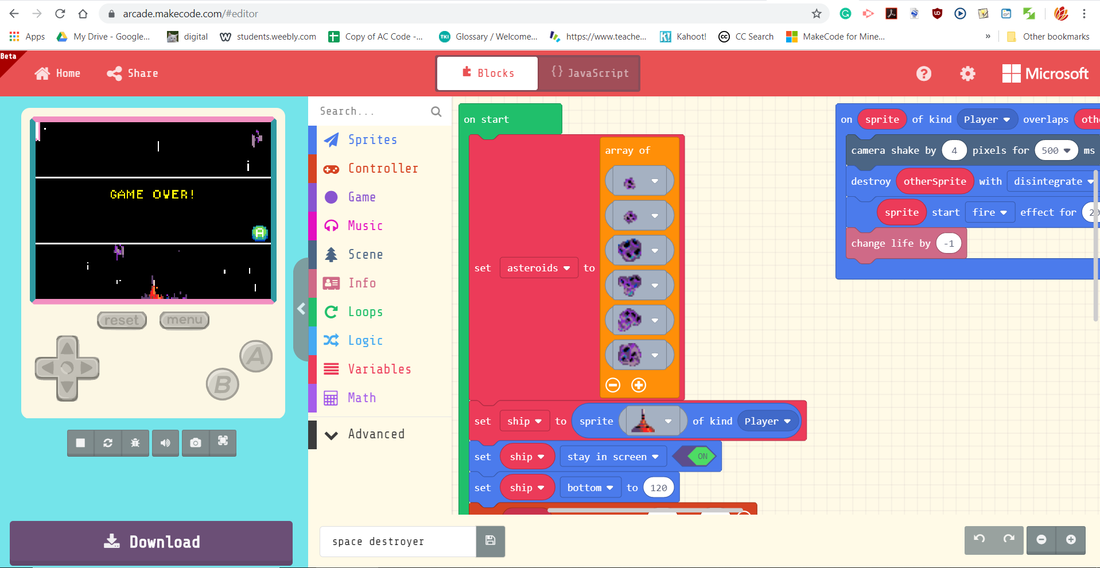
A free, browser-based game development platform designed for teaching computer science concepts through retro-style 2D arcade games.
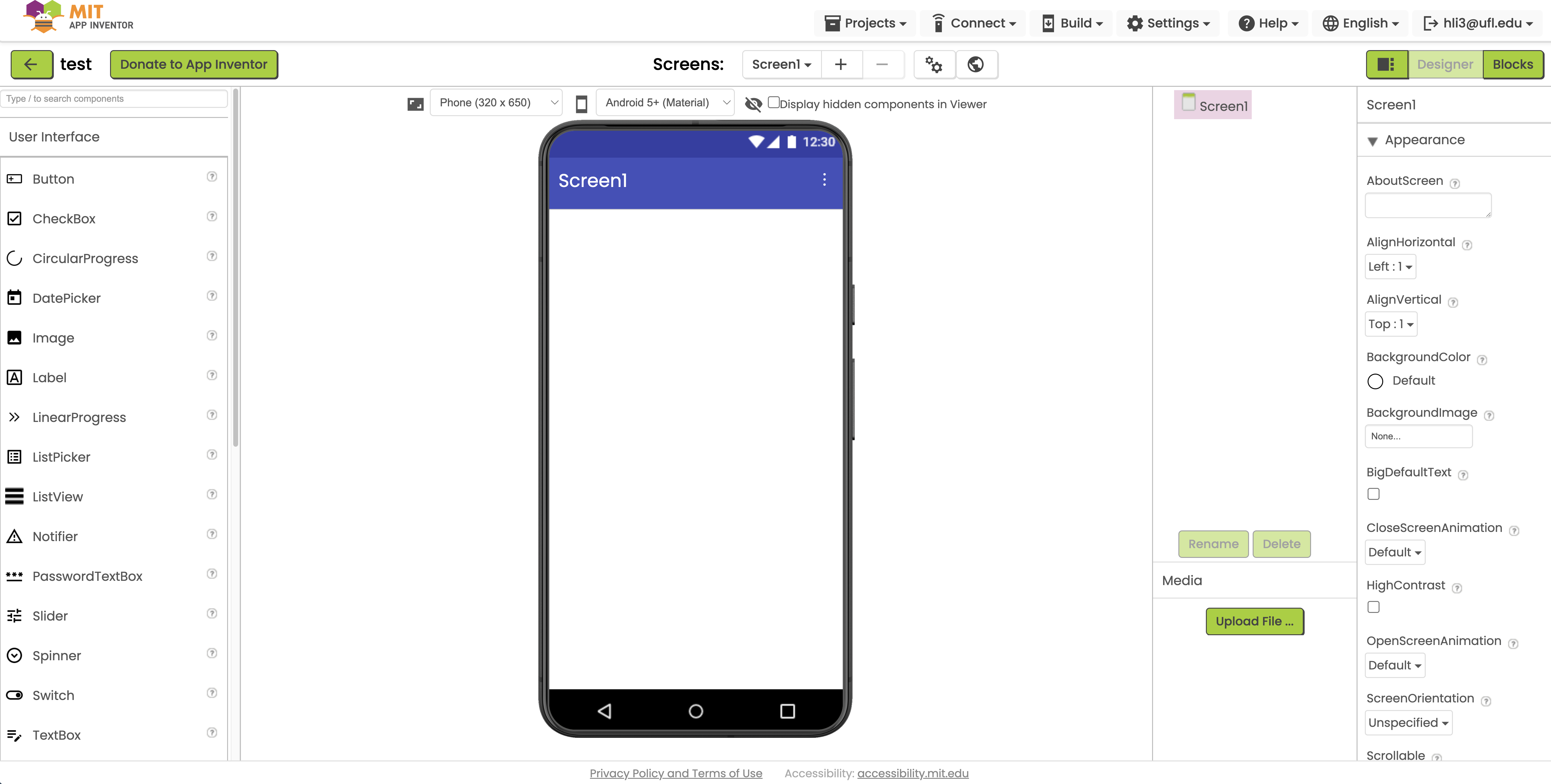
App Inventor is a free, browser-based, visual programming platform developed by MIT that allows users to create fully functional mobile applications for smartphones and tablets.